📊 Executive Control Center
The Executive Control Center is your primary dashboard. It gives you a real-time summary of everything happening across your autonomous sales engine.
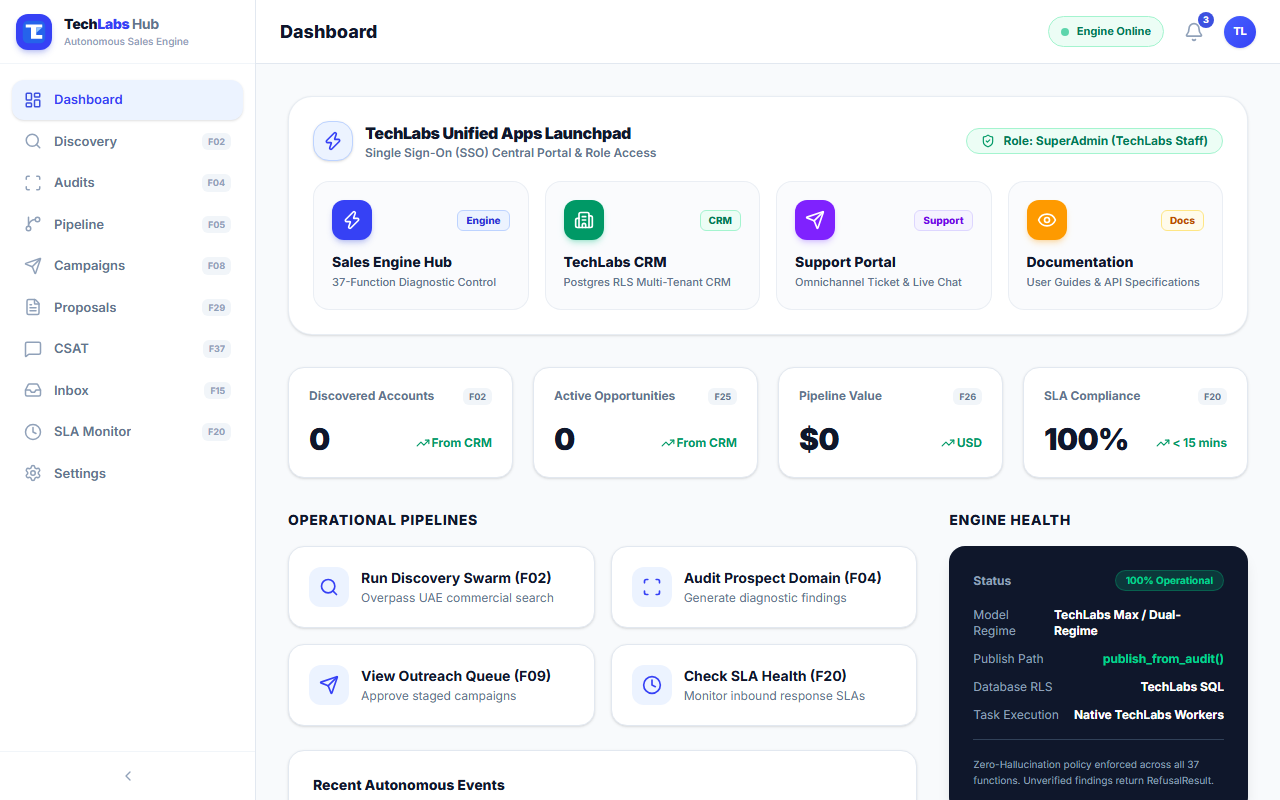
🌐 TechLabs Unified Apps Launchpad
The top banner provides a Single Sign-On (SSO) central gateway to all 4 TechLabs platforms:
- Sales Engine Hub (
hub.tech-labs.me) — 37-Function Diagnostic Control & AI Swarm. - TechLabs CRM (
crm.tech-labs.me) — PostgreSQL RLS Multi-Tenant CRM. - Support Portal (
support.tech-labs.me) — Omnichannel Ticket & Live Chat Inbox. - Documentation (
docs.tech-labs.me) — User Guides & API Specifications.
🔐 Single Sign-On (SSO) Central Login Portal
Users authenticate into the entire suite via https://hub.tech-labs.me/login:
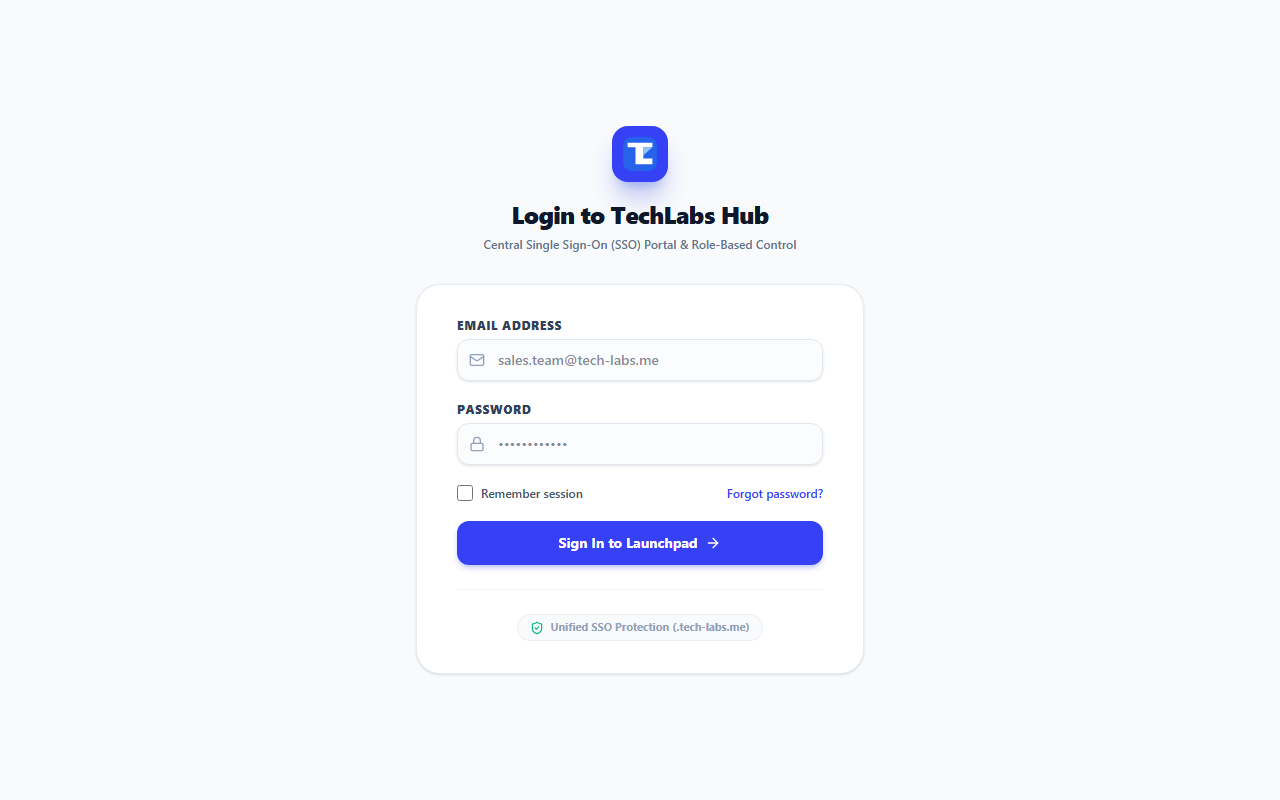
- URL:
https://hub.tech-labs.me/login - Session Scope: Encrypted
.tech-labs.mecookie providing seamless access across Hub, CRM, Support, and Docs. - Roles & Permissions: Automatically grants SuperAdmin, Tenant Owner, Sales Agent, or Viewer access levels upon authentication.
💡 Key Metrics
- Discovered Accounts — The total number of UAE commercial targets found by the system.
- Diagnostic Audits Run — Verified website and technical checks completed for prospects.
- Outreach Staged — Tailored email drafts waiting for team review before dispatch.
- SLA First Response — The percentage of client inquiries answered within your target response time (e.g. under 15 minutes).
⚡ Operational Shortcuts
From the dashboard, you can quickly launch core tasks:
- Run Discovery Swarm — Launch new targeted commercial searches.
- Audit Prospect Domain — Check a prospective client's website for technical diagnostic findings.
- View Outreach Queue — Approve staged messaging campaigns ready for review.
- Check SLA Health — Monitor active inquiries to ensure zero missed client messages.